Files and signing
The workspace accepts valid APK files. Delivered artifacts are unsigned and must be finally signed by the application owner.
Frequently asked questions
These answers cover files, signing, strategy selection, independent retesting, and delivery. They do not replace complete regression testing for your application.
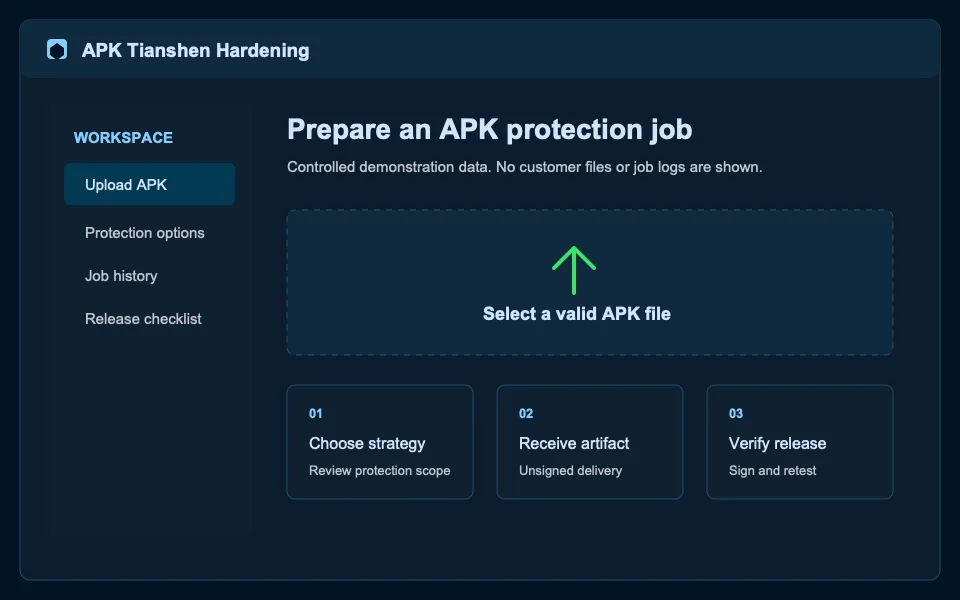
The workspace accepts valid APK files. Delivered artifacts are unsigned and must be finally signed by the application owner.
Choose features based on dependencies and device coverage. Regress critical product flows after every configuration change.
External scanning offers an independent signal, but real-device, signing, and destination-channel validation remain required release steps.
Validate a minimum profile with a real candidate
Keep the APK, signing context, configuration, and validation result for every release to make investigation more controlled.
Questions
The workspace currently accepts valid APK files.
No. Follow the scan guide to conduct independent retesting with compliant third-party tools.
Yes. Sign it with your own material before final installation or distribution.
Ready to start?