Protection boundaries
Hardening can raise the cost of static analysis, code copying, and dynamic debugging. It does not replace server-side authorization, key management, or secure development practices.
APK hardening
APK hardening is not a single switch. Match a combination of DEX, native, and runtime protection to application dependencies, distribution channels, and what your team can verify.
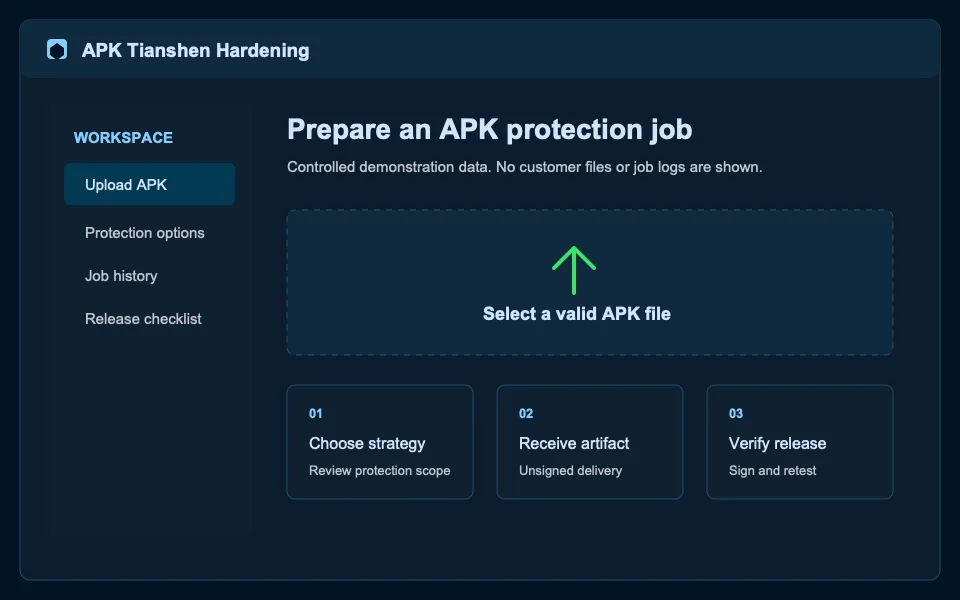
Hardening can raise the cost of static analysis, code copying, and dynamic debugging. It does not replace server-side authorization, key management, or secure development practices.
Baseline strategies suit stable releases. Native dependencies and runtime analysis risks require stronger real-device validation.
Results are unsigned APKs so the application owner controls keystores, channel signing, and final distribution.
Validate a minimum profile with a real candidate
Start with the smallest viable strategy, then validate every change on real devices with your own signing material.
Questions
Yes. Every protection configuration should be validated through signing, installation, and critical product flows.
Yes. Dependency, build-tool, and configuration changes can affect compatibility.
Ready to start?