DEX and string protection
Raise the cost of static analysis and plaintext-constant extraction for applications containing core business logic.
Protection capabilities
Different applications have different protection priorities. Identify the static-analysis, native-library, debugging, hook, or screen-capture risks that matter first, then choose the smallest effective combination.
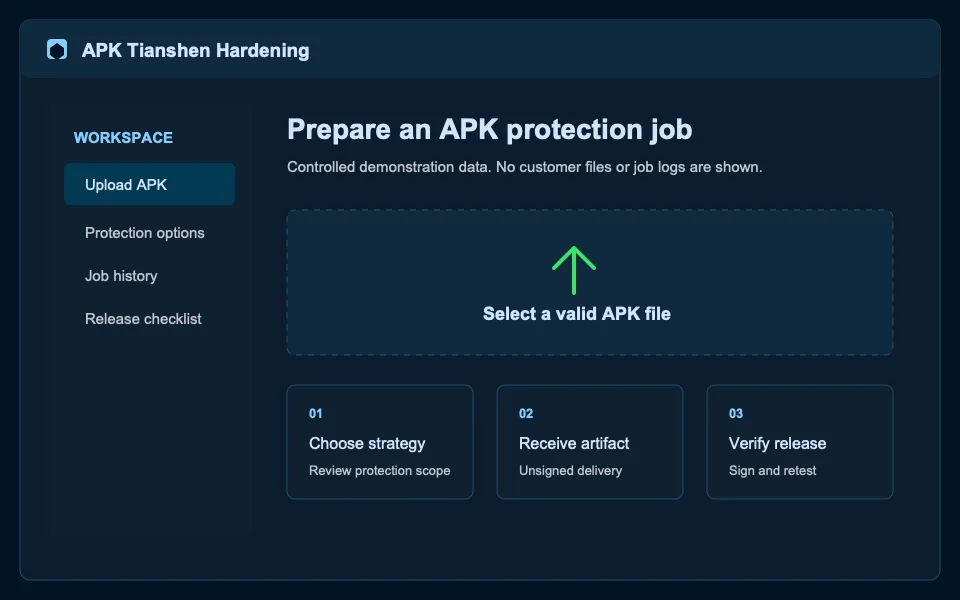
Raise the cost of static analysis and plaintext-constant extraction for applications containing core business logic.
Address risks involving native libraries, debugging, injection, and virtual environments. Complex dependencies need focused regression testing.
Permission governance, structure obfuscation, and resource-fingerprint changes must be assessed with real functionality, SDKs, and review requirements.
Validate a minimum profile with a real candidate
Each feature can add compatibility and validation cost, so real-device testing of critical paths is the release gate.
Questions
No. Start with features addressing identified risks, then expand only after compatibility validation.
No. Runtime protection can affect devices, OS versions, and third-party SDKs in ways that require real-environment validation.
Ready to start?