Protect sample privacy
Before submitting an APK, confirm that your team may share it and understand the platform rules for sample storage and visibility.
Independent retesting guide
Independent checks with third-party multi-engine platforms before and after hardening can help teams record changes and decide whether more investigation is needed.
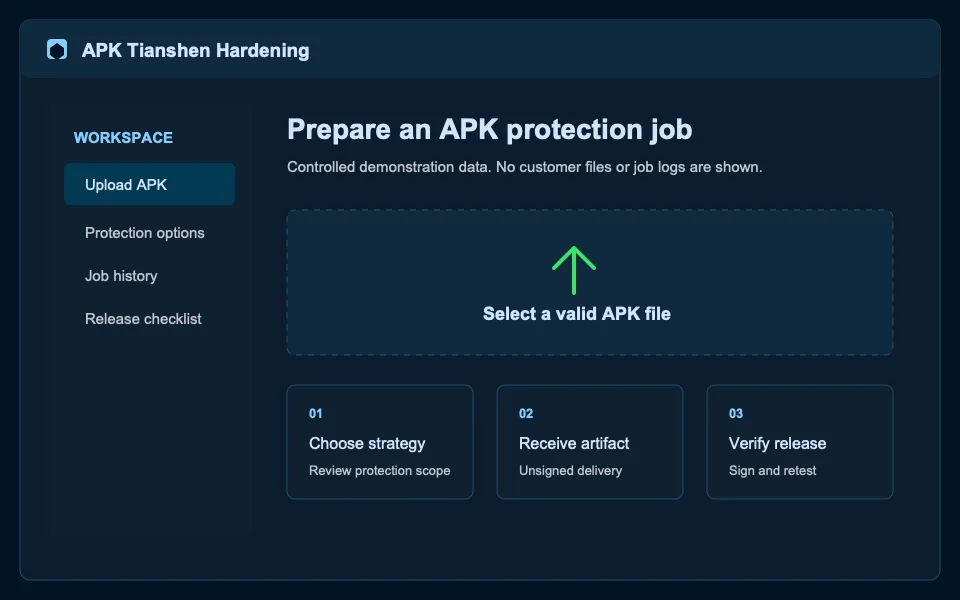
Before submitting an APK, confirm that your team may share it and understand the platform rules for sample storage and visibility.
Compare only APKs with the same business version, signing, and known configuration so unrelated changes are not attributed to hardening.
A scan result is a signal, not a final decision. Validate installation, critical flows, and destination-channel requirements too.
Validate a minimum profile with a real candidate
This is a guide to an external scan workflow. It does not mean the website provides VirusTotal or other third-party scanning services.
Questions
No. The website does not provide online VirusTotal upload or scanning.
No. Complete real-device testing, signing validation, and channel-specific checks as well.
Ready to start?